A Future That Preserves Privacy and Ensures eSafety
xString Tech Delivers Privacy-Preserving Trusted Digital Access for Users, Platforms, and Governments
Offers an end-user application that allows users to take control of their own (email-less, biometric-less, name-less, DoB-less, address-less) digital credentials that can be used with a single strike for both sign-up and sign-in, while providing strong multi-factor authentication that confidential client systems can leverage — a secure and advanced Impersonation-Resistant Credential (iRC) authentication system powered by xString Tech.
Strengthens user privacy and data protection through data minimisation, allowing users to sign up or sign in without needing to provide personal phone numbers, email addresses, biometric data, personal device information, other personally identifiable information, or usage pattern data — a privacy-conscious and advanced authentication platform backed by xString Tech.
Provides a seamless age assurance solution using verifiable Proof of Age Digital Credentials (PoADC), without compromising user privacy through legacy approaches such as biometric data analysis, non-consensual data collection by platforms to estimate user age, or the upload of government-issued identity documents to commercial digital platforms. Instead, it delivers a minimum-age-assured, standards-compliant, and privacy-preserving advanced authentication solution powered by xString Tech.
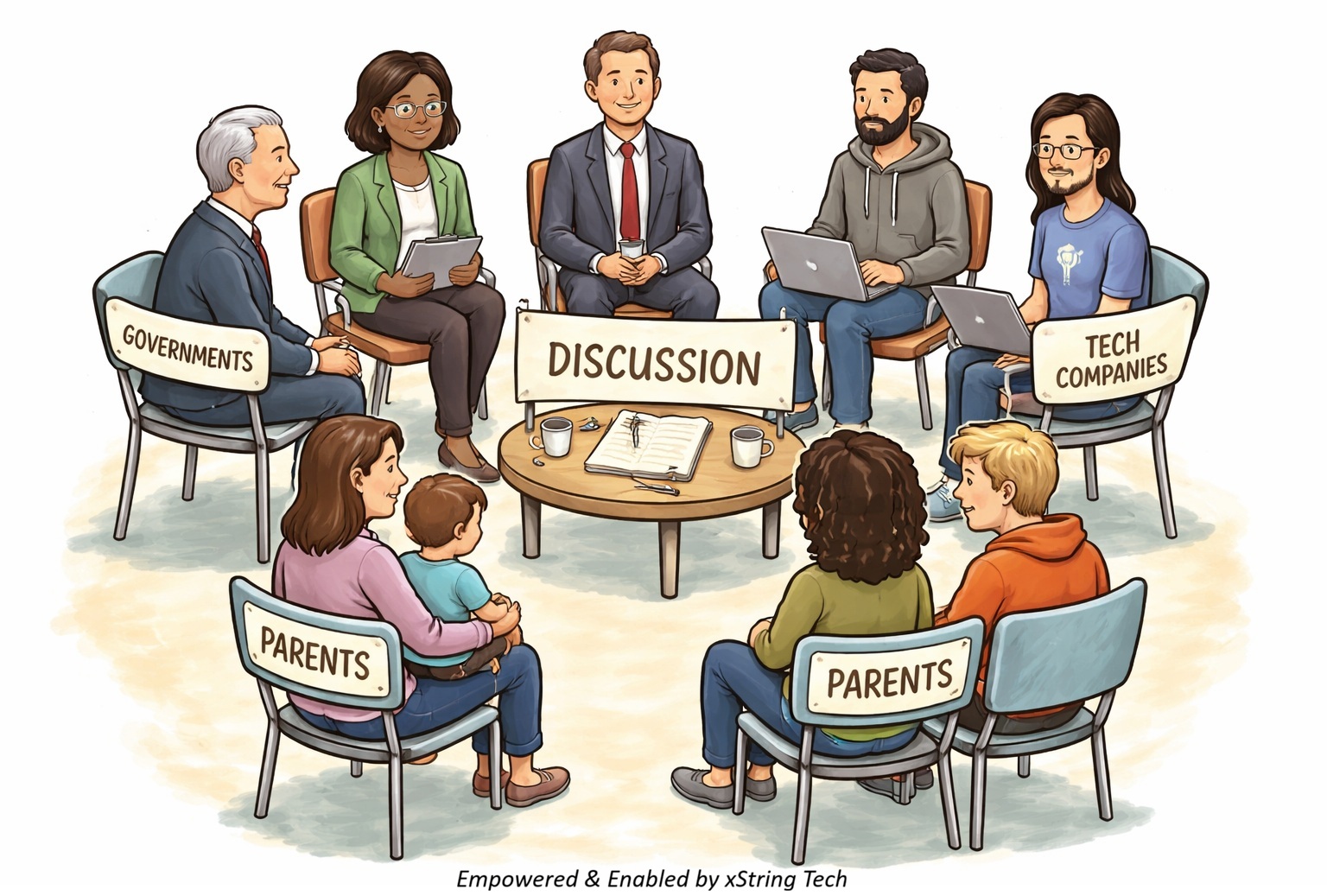
Our goal is to empower end users, enable technology platforms and confidential client systems, and support governments in delivering safer, more trusted digital services for citizens, communities, and system users in a realistic and responsible manner.
Leadership in Requirements Elicitation
xString Tech Addresses Significant Challenges in User Authentication
xString Tech has developed a leading technology solution based on deep insights into the common challenges faced by end users, service providers, platform providers, trusted credential providers, and professional accreditation bodies.
Issue Topic: Privacy and Consent
Problem Definition 1: Collecting Identity Attributes for Sign-up and Login
The traditional process requiring users to provide identity attributes such as email addresses, phone numbers, and biometrics during sign-up and login presents significant challenges for both users and service providers. For minors and people with disabilities, the need for guardian consent complicates the process and may exclude those unable to meet the requirements. For privacy-conscious adults, the lack of alternative login methods or non-invasive data collection options can lead to reluctance or refusal to engage with the platform. Service providers face the challenge of maintaining legal compliance, ensuring security, and building trust with users while balancing privacy concerns. To accommodate diverse users, more flexible, inclusive, and privacy-respecting authentication solutions are necessary.
Issue Topic: Privacy Intrusion and Security
Problem Definition 2: Username, Password and Biometric Authentication
The traditional username and password model creates friction for both users and service providers. For users, it creates burdens around memorisation, security risks, and usability challenges. For service providers, it presents technical, security, and legal challenges. As cyber threats grow in complexity, reliance on this model is becoming increasingly insufficient, leading many to explore alternatives such as intrusive biometric solutions, including invasive data collection involving physical location, phone ID, device ID, and OS type, in the name of enhancing security.
Issue Topic: Privacy Concerns and Interconnectivity
Problem Definition 3: Proof of Age and Credential Verification
The traditional process of proving a user’s age and verifying credentials presents numerous challenges for both users and service providers, further exacerbated by the lack of interconnectivity between service providers and accredited identity or credentialing bodies. From the user’s perspective, this leads to privacy concerns, trust issues, and a fragmented verification experience. Service providers, on the other hand, must navigate complex regulatory environments and manage operational inefficiencies, while maintaining trust and security. To address these issues, there is a critical need for more integrated, secure, and user-friendly solutions that streamline the verification process, reduce friction, and support minimum age assurance compliance without compromising user trust or data privacy.
Issue Topic: Complexity and Friction
Problem Definition 4: Sign-up and Sign-in with Multiple Steps and Devices
Traditional sign-up and sign-in processes involving multiple steps and MFA create friction for both users and service providers. From the user’s perspective, the complexity of managing multiple steps, devices, and passwords leads to frustration, barriers to access, and a less convenient experience. From the service provider’s perspective, the challenge lies in balancing security with user experience, managing higher operational costs, and reducing user abandonment caused by complicated authentication flows. To improve both security and usability, there is a growing need for innovative, frictionless authentication solutions that streamline sign-ups and sign-ins without compromising security.
Availability and Security
Discover the Full Range of Our Offerings
Our offerings include an end-user application, with availability planned through the Apple App Store for iOS and the Google Play Store for Android. The application is designed to support seamless interaction with our verification systems through a streamlined user experience.
For web platform operators, our technology stack is designed to support secure user authentication and verification workflows across a range of deployment environments. The product suite includes user-facing applications, backend infrastructure components, middleware integration services, and distributed verification systems intended to support evolving business requirements
Explore how our technologies may support your backend infrastructure and operational workflows. Components including the Authenticator, Orchestrator, and WorkerNodes are designed to assist with integration efficiency, workflow coordination, and security-focused authentication processes.
Additional product information, technical resources, implementation guidance, pricing details, and selected case-study materials are progressively made available through the Member Access Portal.
Access to the Member Access Portal is available through a privacy-preserving passwordless sign-in process that does not require an email address or phone number.
Buy Now
Pricing Model
Flexible and Accessible Pricing for All Organisations
xstAuth Light Server is available with a renewable, no-cost licence for production use. This offering is dedicated to Passwordless Community and organisations seeking to add passwordless authentication to their websites. Terms and conditions apply.
For the Hosted Authentication API, credential creation is currently subject to a US$1 payment requirement. This payment provides access to the credential-creation process and is not an API usage charge. There is currently no separate charge for API usage.
We offer flexible licensing and advanced deployment options designed to support a range of business needs, from smaller teams to large-scale enterprise environments.
Additional information regarding product capabilities, licensing and deployment options is available through the Member Access Portal.
Member Access Portal access requires sign-up. Please refer to the How to Sign-up page.
Knowledge-based for End-user
Explore and Grow with Our Learning Resources
Our Learning Center is your gateway to tutorials, webinars, and hands-on workshops designed to help you master our platform. Whether you’re a beginner or an experienced developer, our resources are tailored to different skill levels and are regularly updated to cover the latest features and best practices.
Sign up effortlessly—without providing email or phone details—and use passwordless sign-in to access exclusive learning content. From beginner’s guides to expert-level technical deep dives, we provide you with the knowledge to harness the full power of our platform.
Interactive Self-Guided Demonstration
Hands-On Experience
Direct interaction with the platform provides an opportunity to explore the privacy-preserving sign-up and passwordless sign-in experience firsthand.
Following sign-in, the Member Access Portal provides access to additional technical documentation and supporting materials relating to platform architecture, implementation considerations, and integration workflows.
The platform is designed around security-focused principles intended to support both end-user usability and practical deployment within modern business and technology environments.
The following overview outlines the available ways to explore and use the technology.
Demo Overview
Explore Passwordless Authentication and Authorisation
The demonstration provides a high-level walkthrough of OAuth 2.0 and OpenID Connect for authentication and authorisation, together with an introduction to xString Tech’s passwordless authentication capabilities.
Users can access and use the technology through multiple pathways:
1. Online demonstration: Access the xString Tech Member Access Portal to experience the privacy-preserving sign-up and sign-in process firsthand. Select Sign-up / Sign-in to explore the authentication process, technical documentation and supporting materials. The Member Access Portal is continuously evolving, with additional content and functionality introduced progressively.
2. Age assurance evaluation: Dedicated age assurance capabilities are available to government agencies, government departments and social media platforms for hands-on use. Access requires a specific access key.
3. Hosted Authentication API: Use the xString Tech hosted Authentication API without installing or operating an authentication server. Sign in to create the API credentials required to use privacy-first passwordless authentication as a SaaS service.
xString Tech (XST) SaaS API resources

4. Self-hosted deployment: Download and install xstAuth Light Server in a suitable environment to explore its configuration, integration and authentication capabilities in greater detail. xString Tech has released xstAuth Light Server with a renewable, no-cost licence for production use. Terms and conditions apply.
xString Tech (XST) software releases
Explore the available resources and get started.
Downloads
Access Software, APIs and Resources
API credentials, Lock-Card and Lock-Fob resources, and software middleware components are progressively made available through the Member Access Portal. Releases are prepared with a focus on stability, compatibility and practical integration into existing environments.
A GitHub site for xString Tech has also been established to provide access to software releases, hosted Authentication API resources and supporting source code
xString Tech has released its passwordless authentication server, xstAuth Light Server, with a renewable, no-cost licence for production use. Terms and conditions apply.
xString Tech (XST) software releases
Additional resources include the Hosted Authentication API and associated server source code, including `server.js` and supporting files.
xString Tech (XST) SaaS API resources
Explore the available resources and get started.
Architecture, Design and Development
Detailed Technical Documentation
Our documentation is intended to support the implementation and integration of our platform across a range of business workflows and technical environments. Resources include setup guidance, integration references, API documentation, and supporting materials relating to our tools, middleware, and verification infrastructure.
Technical documentation for specific releases is available through our public GitHub repositories and, where applicable, directly within the software. For example, xstAuth Light Server includes in-server documentation and setup guidance through Help → How to Setup, providing relevant configuration steps, examples, and supporting materials.
Documentation and related technical resources continue to evolve alongside the platform, supporting varying deployment requirements and levels of technical familiarity.
How to sign-up and sign-in?
Authenticator App
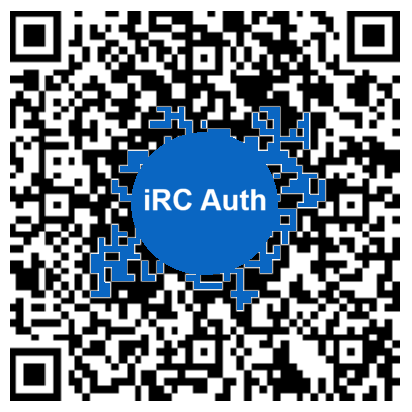
First, you will need to download either the myAge Authenticator app or the iRC Auth Authenticator app and install it on your mobile device. The apps are now available for download from the Apple App Store (for iOS devices) and Google Play Store (for Android devices).





Setup
Once the app is installed, create a new Impersonation-Resistant Credential (iRC) independently. This action does not involve a second or third party. Important! Your keys are your secrets. Not to be shared or stored on someone else's computer "in the cloud", regardless of whether they are encrypted or not.
- Use this guide when setting up the Authenticator app for the first time.
Sign-up / Sign-in
Simply follow the basic user guide in the app — if you use the iRC Auth Authenticator app to sign up, you will be prompted to enable TOTP MFA and store the key in the app during the sign-up process. Once signed in, depending on your country code, you may be able to add an Out-of-Band Code (OOBC) to your account as an additional MFA layer.
- Use this guide when both the Authenticator app and the xString Tech website are running on the same mobile device.
- Use this guide when the Authenticator app is on your mobile device and the xString Tech website is accessed from a Mac, Windows PC, or Linux desktop computer.
Expected Result
If you see "Welcome!", your new account has been successfully created or you have successfully logged in to your existing account.
Hands-on Evaluation
Privacy-Preserving Age Assurance
Proof of Age Digital Credentials (PoADC), powered by xString Tech, transform how age assurance is delivered online. Rather than relying on platforms to estimate a user’s age through intrusive data collection, PoADC enables highly accurate, cryptographically verified proof of age — without revealing personal identity information.
Key Benefits
• Age is assured with high accuracy — not guessed.
• No personal details are embedded within the PoADC.
• Verification occurs independently and cryptographically, without platforms needing to “call home”.
• Eliminates unnecessary collection of sensitive personal data for age estimation.
• No requirement to upload government-issued identity documents to commercial platforms or websites.
• No need for facial image capture or facial scanning simply to prove age.
• Helps reduce exposure to data leaks, identity theft, and unnecessary data retention.
A Privacy-First Approach
PoADC enables platforms to achieve age assurance objectives while helping protect user privacy, security, and digital trust.
Proof of age — not proof of identity.
Note: This evaluation requires the myAge Authenticator app or iRC Auth Authenticator app to interact securely with the MAAS application server. The apps are now available for download from the Apple App Store (for iOS devices) and Google Play Store (for Android devices).
Minimum Age Assurance System (MAAS)
1. Dedicated MAAS functions and features are available to government agencies, government departments, and social media platforms worldwide for hands-on evaluation. Access requires a specific access key. If you do not yet have an access key, please request one by emailing: accesskey@xstring.tech
2. User-focused functions and interactive self-guided demonstration features are fully developed and operational. Public demonstration access will be progressively expanded based on demonstrated community interest and adoption levels, including app download activity.
At present, users can already use the Authenticator app to sign up and sign in to the xString Tech Member Access Portal without requiring an email address, phone number, or other personal information.
Fund Results, Not Promises
Delivering Measurable Outcomes at Scale.
Let's solve real problems, and leave things better than we found them.
Architecture, Design and Development
info@xstring.tech
Fund Results, Not Promises
Delivering Measurable Outcomes at Scale.
Let's solve real problems, and leave things better than we found them.
Contribute with
 Powered by Stripe
How to sign-up and sign-in?
Authenticator App
First, you will need to download either the myAge Authenticator app or the iRC Auth Authenticator app and install it on your mobile device. The apps are now available for download from the Apple App Store (for iOS devices) and Google Play Store (for Android devices).
Setup
Once the app is installed, create a new Impersonation-Resistant Credential (iRC) independently. This action does not involve a second or third party. Important! Your keys are your secrets. Not to be shared or stored on someone else's computer "in the cloud", regardless of whether they are encrypted or not.
- Use this guide when setting up the Authenticator app for the first time.
Sign-up / Sign-in
Simply follow the basic user guide in the app — if you use the iRC Auth Authenticator app to sign up, you will be prompted to enable TOTP MFA and store the key in the app during the sign-up process. Once signed in, depending on your country code, you may be able to add an Out-of-Band Code (OOBC) to your account as an additional MFA layer.
- Use this guide when both the Authenticator app and the xString Tech website are running on the same mobile device.
- Use this guide when the Authenticator app is on your mobile device and the xString Tech website is accessed from a Mac, Windows PC, or Linux desktop computer.
Expected Result
If you see "Welcome!", your new account has been successfully created or you have successfully logged in to your existing account.